


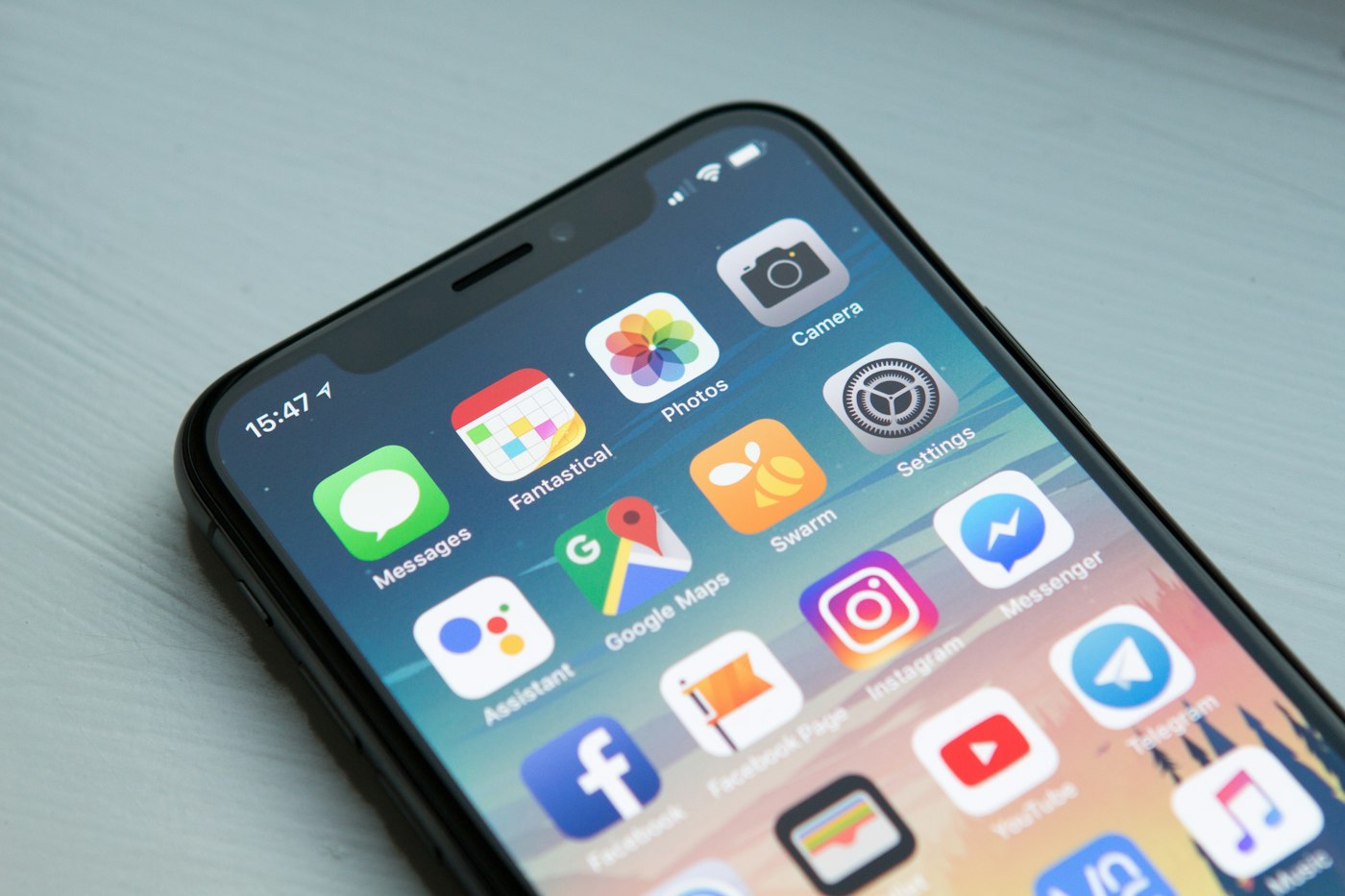
The main distinction in the WhatsApp Business app vs WhatsApp Business Platform comparison comes down to software architecture. The WhatsApp Business app is a standalone mobile application operated on individual devices for basic customer messaging.
The WhatsApp Business Platform provides an application programming interface without a native inbox, requiring connection to external software. This comparison describes operational fit rather than the quality of any vendor.
TL;DR
Select the standalone app for single-operator mobile messaging, or adopt the Platform for multi-user software integration.
- Keep the WhatsApp Business app if a single operator manages low-volume chats on a dedicated handset.
- Move to the WhatsApp Business Platform if multiple staff members need concurrent access to one business number.
- Deploy an integrated CRM backend if your business requires automated lead intake, qualification, and audit trails.
- Build a custom integration layer when customer conversations must trigger internal operational systems directly.
Checked on October 2026. Products change; confirm details with each vendor.
Why does messaging channel architecture matter for your business?
Customer communication channels directly affect lead conversion speed, operating overhead, and data governance standards.
Many small companies run commercial messaging from an employee handset. When enquiry volume increases, a single phone creates an operational bottleneck. Multiple team members cannot respond at the same time from different desks, leading to delayed replies.
Handset-based operations also introduce corporate risks. Customer chat histories remain trapped on physical phones. When a sales representative departs, client relationships and historical records can leave with them.
Centralising communication infrastructure protects corporate memory. In Singapore, business processing of personal data must comply with the Personal Data Protection Act 2012. Storing customer personal information across unmanaged employee handsets makes statutory data protection obligations difficult to enforce.
Choosing the right architecture prevents duplicate data entry. When chat records connect directly to operational databases, your staff spend less time copying contact details into spreadsheets.
What is the core difference between the app and the Platform?
The WhatsApp Business app is a self-contained chat interface, whereas the WhatsApp Business Platform is a headless backend infrastructure.
The WhatsApp Business app is a standalone mobile application operated on individual devices for basic customer messaging. You download it onto a physical smartphone or tablet, verify a phone number, and begin typing replies immediately.
Because the app includes a prebuilt user interface, it requires no technical setup. However, it operates in isolation from your wider company software stack. Message logs stay inside the local device storage or backup files.
In contrast, the WhatsApp Business Platform provides an application programming interface without a native inbox, requiring connection to external software. There is no default mobile app or web portal provided by Meta for reading incoming messages.
Instead, the Platform receives inbound message data and transmits it to your chosen software via webhooks. To view or answer those messages, your team must connect the API to a third-party inbox, a shared ticketing system, or a custom internal CRM.
This architectural separation means the Platform functions as a utility layer. It supplies the pipe through which conversations travel, leaving your company free to determine how those conversations are routed, stored, and managed.
WhatsApp Business app vs WhatsApp Business Platform: how do they compare at a glance?
The mobile app suits single-operator manual workflows, while the Platform provides multi-user concurrent access and database integration.
Evaluation Criteria WhatsApp Business App WhatsApp Business Platform Ideal operational fit Sole traders, micro-teams, local retail counters Mid-sized teams, sales departments, support desks Setup effort Minutes to install on a phone Requires software integration or API configuration Customisation Fixed canned responses and catalog items Custom business logic, interactive buttons, automated workflows Integrations Manual export, limited external hooks Native connection to CRMs, ERPs, and databases Data ownership Data remains on local handsets and device backups Centralised storage inside corporate databases Concurrent scaling Constrained to primary handset and linked web sessions Unlimited concurrent team members on shared software Support model Community documentation, standard mobile app updates Direct developer documentation or technical partner support Primary cost drivers Device hardware, local telco mobile plans Message volumes, software licences, integration maintenanceWhere does the WhatsApp Business app fit?
The mobile app fits micro-enterprises and local shopfronts that require immediate setup without ongoing technical overhead.
Strengths
- Zero development overhead: The application installs directly from standard mobile app stores and works immediately.
- Native user interface: Any staff member familiar with personal messaging can operate the tool without specialised operational training.
- Local catalog display: Businesses can showcase products and services directly within the mobile interface.
- Basic quick replies: Operators can save standardised text snippets to answer repetitive questions quickly on their handsets.
- Built-in labels: Conversations can be tagged with basic colour-coded markers for manual sorting on the phone.
Limits
- Device dependency: The core account remains tied to an individual physical SIM card and primary mobile handset.
- Concurrent user bottlenecks: The application cannot support multiple staff members actively responding to separate customers simultaneously.
- Automation boundaries: Workflows are restricted to basic greeting notes and out-of-office autoreplies.
- Isolated customer records: Conversations do not sync automatically with company accounting or inventory systems.
- Compliance exposure: Customer records cannot be centrally audited or wiped if an employee leaves the company.
Connect WhatsApp to Your Systems
KYN integrates the WhatsApp Business Platform into a visual pipeline backed by a CRM database. Chats route directly to your team without device bottlenecks.
Where does the WhatsApp Business Platform fit?
The WhatsApp Business Platform fits growing operations that need shared inboxes, systematic lead routing, and centralized records.
Strengths
- Concurrent agent handling: Connecting to the WhatsApp Business Platform allows multiple team members to manage customer conversations concurrently through shared software.
- Automated qualification: Software connected to the API can screen inbound leads, collect requirements, and route prospects automatically.
- Centralized compliance: All messaging logs stream directly into secure databases, supporting compliance with the Personal Data Protection Act 2012.
- Database interoperability: Chat events can trigger order creation, invoice generation, or account updates in internal systems.
- Programmatic messaging: Systems can transmit transactional notifications, appointment reminders, and service alerts based on database triggers.
Limits
- No default inbox: The business must build custom interfaces or subscribe to external software to send and view messages.
- Engineering setup: Implementing the technical connection requires developer credentials, webhook configurations, and domain verifications.
- Message template approvals: Initiating business conversations outside a customer-driven window requires pre-approved structured templates.
- Usage-based cost models: Running the Platform introduces operational costs driven by message volume and software subscriptions.
- Maintenance obligations: API endpoints and webhook listeners require technical supervision to preserve system stability.
How do custom integrations connect the WhatsApp Platform into internal CRM workflows?
Custom integrations bridge the Platform API with internal databases to log conversations and trigger business workflows.
Deploying custom messaging workflows allows an SME to unify sales intake and eliminate manual administrative handoffs. Working with an engineering team follows a structured technical process.
- Meta Business verification: Register the company identity, configure developer portals, and verify corporate ownership credentials.
- Webhook endpoint engineering: Deploy secure server endpoints to capture inbound message events and delivery receipts.
- CRM schema mapping: Connect incoming customer identifiers to pipeline stages inside a structured relational database.
- Automated qualification routing: Construct logic trees that assess customer intent and assign chats to specific department queues.
- Interface deployment: Provide operational teams with a unified inbox dashboard displaying customer purchase histories alongside live chats.
KYN Technology Pte Ltd is a Singapore-registered technical partner with UEN 202622080C 1. When building bespoke communication infrastructure, KYN structures projects so that rights in the custom code, configurations and deliverables are assigned to the client on full payment 2.
Typical turnaround from project start to live deployment is about 14 days once scope, access and integrations are settled 3. Engagements are structured around practical business needs: KYN projects combine a one-off execution fee with a Continuous Tech Optimization and Upgrades partnership that requires a 12-month minimum 4.
This integration structure allows companies to centralize multi-channel communications. KYN's Sales Engine captures leads across WhatsApp, website, and email into a visual pipeline backed by a CRM database 5. In one implementation, KYN deployed an inbound capture inbox and qualification agent unifying email and WhatsApp enquiries for a financial services brokerage 6.
How do you decide between the app and the Platform for your team?
Use staffing requirements, enquiry frequency, and data integration needs to select the right messaging infrastructure.
Use this five-part operational checklist to determine which tool your team should implement:
- Do two or more team members need to answer customer enquiries concurrently from separate computers? - Yes: WhatsApp Business Platform. - No: WhatsApp Business app.
- Does your company require customer conversation records to sync automatically with an internal CRM? - Yes: WhatsApp Business Platform. - No: WhatsApp Business app.
- Do you receive fewer than twenty customer enquiries per week handled by a single individual? - Yes: WhatsApp Business app. - No: WhatsApp Business Platform.
- Must your customer messaging records comply with strict central audit trails under the Personal Data Protection Act 2012? - Yes: WhatsApp Business Platform. - No: WhatsApp Business app.
- Do you need automated qualification logic to categorize prospects before a human agent steps in? - Yes: WhatsApp Business Platform. - No: WhatsApp Business app.
When is running both systems the right operational choice?
Running both systems works when field technicians require mobile apps while sales operations use the Platform backend.
Some mid-sized businesses run both options by provisioning separate phone numbers for distinct operational units. A hybrid setup prevents operational friction across diverse team roles.
For example, field service engineers or on-site technicians can carry company phones running the WhatsApp Business app. These workers operate on the road, taking photos of equipment and sending quick manual updates directly to clients.
Meanwhile, the central sales and customer support departments use a separate primary business number connected to the WhatsApp Business Platform. Inbound commercial enquiries route into a centralized system.
This division keeps administrative workflows clean. Field staff maintain handheld mobility, while office staff retain centralized records, audit logs, and automated lead triage.
When is the WhatsApp Business app the right call?
The standalone app remains the right operational choice when enquiry volumes are low and managed by a single person.
Adopting the Platform introduces software subscriptions, developer setups, and template approval protocols. For a solo entrepreneur, consultancy founder, or boutique neighbourhood retailer, that overhead creates unnecessary complexity.
The WhatsApp Business app functions reliably when one person holds the phone. If your sales process relies on personal relationship building where the business owner answers every enquiry directly, the app provides everything required.
Sticking with the mobile app is sensible as long as message volume does not cause missed customer enquiries. Once delayed responses begin costing your company deals, transition your primary number to the Platform.
One last thing
Audit your team's weekly missed chat volume before changing your software infrastructure. If missed chats stem from staff sharing a single mobile handset, moving to the Platform will solve that operational bottleneck immediately. Contact KYN Technology to discuss connecting your messaging channels to a tailored CRM backend.
Connect Your WhatsApp Pipeline
This setup is built for Singapore SME teams managing manual WhatsApp chat bottlenecks. Contact KYN to review your systems and workflows. We map your enquiry routing and build the platform integration. Typical turnaround from project start to live deployment is about 14 days once scope, access and integrations are settled.
Frequently asked questions
Does the WhatsApp Business Platform include a prebuilt inbox interface?
The WhatsApp Business Platform provides an application programming interface without a native inbox, requiring connection to external software.
Can multiple team members use the same WhatsApp Business number simultaneously?
Connecting to the WhatsApp Business Platform allows multiple team members to manage customer conversations concurrently through shared software.
What data privacy rules apply to customer WhatsApp chats in Singapore?
Commercial customer communication and personal data processing in Singapore must comply with the statutory standards of the Personal Data Protection Act 2012.
How does a business receive custom code and assets when working with KYN Technology?
Rights in the custom code, configurations and deliverables are assigned to the client on full payment 2.
Related reading
- WhatsApp AI agents for business
- Custom CRM vs HubSpot in Singapore (2026)
- AI sales automation built around your pipeline